
MetaTrader 5, or simply MT5, is an extremely advanced multi-asset trading software that is very well-liked among traders of forex, stocks, and commodities globally. MT5 has a broad selection of highly efficient features suitable for both newcomers who have little knowledge of the market and expert traders who are highly skilled. MetaTrader 5 trading platform is equipped with features from real time price quotes, state of art charting to completely automated trading, which makes trading decisions easier and more accurate.
Here in this article, you will be briefed about the MetaTrader 5 platform and its features, forex trading on MT5, the steps of Metatrader 5 download, and also a detailed MT5 trading tutorial for your handy reference.
What is MetaTrader 5?
MetaTrader 5, designed by MetaQuotes Software Corp., is an advanced multi-asset trading platform intended to be the successor to the popular MT4 trading platform. It provides traders with greater analytical capabilities than its predecessor MT4; MT5 offers improved execution speed and access to multiple financial instruments such as foreign exchange, stock, commodity, and cryptocurrency.
MT5 supports manual and automated trading via Expert Advisors (EA) and provides a complete environment for performing technical analysis with 80+ built-in technical indicators and analytical tools.
The key differences between the two platforms are the types of orders that can be placed and the number of available timeframes on both platforms, along with the added ability to trade multiple assets simultaneously on MT5. Although MT4 continues to be used extensively for passive and/or forex traders, MT5 has a large number of traders using the platform due to its increased functionality and diversification capabilities.
Key Features of the MetaTrader 5 Trading Platform
The MetaTrader 5 trading platform is unique in its strong abilities to accommodate the current trading needs. The interface is convenient and user-friendly, yet complex enough and sophisticated in functionality. The following are the notable features:
- Multi asset: Choose to trade in forex, indices, commodities, stocks, and cryptocurrencies at one terminal, without the necessity of a variety of trading terminals.
- Professional Charting Software: Traders can use advanced technical analysis with 21 timeframe options and 44 charting objects. The platform also has trading analysis tools that assist in determining the trends, support and resistance levels, and possible points of entry and exit.
- Economic Calendar: The economic calendar gives a full view of market-moving events and how they may influence markets, with an integrated economic calendar where upcoming news releases are shown and how they may affect the markets.
- Depth of Market: MT5 has a depth of market feature that displays the existing buy and sell orders and gives the traders information about liquidity and possible price changes.
- Mobile Trading: The application is available as a mobile application on both iOS and Android platforms that allow traders to track positions and trade in real time.
Difference Between MT4 and MT5
The main distinction between MT4 and MT5 to the vast number of traders that have often asked, will be made very clear.
- Both platforms are created by the same firm (MetaQuotes), however, only MT5 is equipped with enhanced functions:
- MT5 has many more time frames compared to MT4, as well as many more types of technical indicators.
- MT5 provides an integrated economic calendar and superior charting features.
- You can trade in various assets while using the MT4 platform, but the MT5 platform limits you to only currency trading.
If you want to perform backtesting of your trading strategy, you will prefer to use the more developed strategy tester on the MT5 platform. By knowing these differences, traders may determine which one will work best for their individual needs.
How to Download MT5?
MT5 is easy to begin with. Installing the MetaTrader 5 is a matter of a few minutes:
- Step 1: Go to the official site of your broker and go to the platforms. Find the link that allows you to download the MT5 according to the operating system (Windows, macOS, or mobile devices).
- Step 2: Click the download button and store the installation file on your computer. The file size is normally approximately 30-50 MB.
- Step 3: After the download finishes, the installation file needs to be run, and the instructions ought to be followed on the screen. The installer is going to automatically set up the required settings.
- Step 4: Once installed, open MT5 and input your trading account information that has been sent by your broker. You need not make a live account, as you can open a demo account on the site to practice trading.
- Step 5: After step 5, you will be granted access to live market data, charts, and all trading features.
The mobile one works similarly by using either the App Store or the Google Play Store, and by simply typing in "MetaTrader 5" and downloading it directly.
How to Trade Forex on MT5: A Complete Tutorial
To execute successful trades, one has to understand how to trade forex in MT5. This trading tutorial is an instruction on how to trade using the MT5:
- Opening a Chart: By right-clicking in the Market Watch window, choose the currency pair to be traded. Click the Chart window and open a price chart. You have the option to configure the timeframes, include indicators, and to change the settings of charts depending on your trading strategy.
- Studying the Market: Study the price movements with the help of the built-in technical indicators. Browse indicators by clicking on "Insert" on the top menu, then on the indicator. Some of the popular options are Moving Averages, RSI, MACD, and Bollinger Bands. Get several indicators to study the market comprehensively.
- Placing a Trade: The order can be placed in two ways. To place an order, you can either right-click the chart and choose the trading menu, then New order, or the New order button located in the toolbar. This will open up the order window, and you will be able to define your trade parameters.
- Establishing Trade Parameters: Within the order window, you will be able to select the symbol, the volume (lot size), the type of order (market or pending), and the Stop Loss and Take Profit can be set. In forex trading, make sure that you are ready with position sizing and risk management, and only after that, verify the trade.
- Placing the trade: When you have finished examining your trade parameters, press buy to take a long position or press sell to take a short position. The order is executed instantly at the prevailing market price in market orders.
- Checking Your Positions: The open trades can be seen at the bottom of the platform in the Trade tab. It is possible to track profit/loss here, adjust Stop Loss and Take Profit levels, or even close positions manually.
Understanding MT5 Order Types and Execution
MetaTrader 5 allows using different types of orders, which offer more flexibility when it comes to conducting the trade:
- Market Orders: Buy or sell at the prevailing price of the market, which is the perfect investment tool for traders who desire to have immediate entry into positions.
- Pending Orders: These are triggered once the price goes to a particular level. MT5 has six types of pending orders, which include Buy Limit, Sell Limit, Buy Stop, Sell Stop, Buy Stop Limit, and Sell Stop Limit.
- Stop Loss and Take Profit: These risk management features automatically open or close your position when a predefined amount is reached, saving your profits and limiting your losses.
It is important to know the modes of order execution. MT5 facilitates instant execution, market execution, and exchange execution based on the configuration of your broker and the instruments you are trading.
Advanced Trading Features and Tools
MetaTrader 5 has advanced capabilities for those traders who are experienced:
- Expert Advisors (EAs): EA-based trading is a programming language allowing you to code up your trading strategies in MQL5. You can create your own EAs or acquire them from the MetaTrader marketplace.
- Copy Trading: The application is also featured with copy trading with the Signals service that enables you to imitate the trades of profitable traders. This is a key attribute, especially for novices who may wish to learn at the hands of the experienced players in the market.
- Strategy Tester: You can run your trading strategies across historical data to test them without risking your real capital. The Strategy Tester gives the back-testing reports of the possible profitability and drawdowns.
- Custom Indicators: This adds your own indicators, allowing you to have more advanced technical analysis tools than the standard ones.
Tips for Successful MetaTrader 5 Trading
To ensure that you are as successful as possible on the platform, you need more than technical knowledge:
- Begin with a Demo Account: Trade at no risk. Get used to the interface, strategy testing, and become confident before you can switch to live trading.
- Work out a Trading Plan: Determine your objectives in trading, risk tolerance, time frame, and strategies. Do not rush and make hasty choices as per your preferences, but do it in a consistent manner.
- Master Risk Management: never make more than 1-2 percent of your account in one trade. Always use stop-loss orders and always have a good risk-to-reward ratio of at least 1:2.
- Trading Journal: Record your trades in terms of entry/exit points, why you took the trade, and the results. A review during a specific time aids in uncovering patterns and enhancing decision-making.
- Keep Learning: The markets change all the time. Webinars, courses, and market analysis will help you improve your skills and continue learning.
- Apply Multiple Timeframe Analysis: In the higher timeframes (daily, weekly), evaluate trends and trade in the lower timeframes (hourly, 15-minute) to get better entry points.
Concluding Thoughts
It is very important that you choose the right broker for your trading success. Inveslo provides very competitive trading conditions with leverage of up to 1:2000 and spreads starting from only 0.1 pips, making it a great choice for both new and experienced traders. The combination of very tight spreads and high leverage allows you to have a potentially very high return, while at the same time, you can decide the size of the position according to your comfort level.
Once you are prepared to elevate your trading to the next level, professional guidance can do a great job in improving your results. With professional assistance, you will be able not only to better understand complicated market situations, improve your strategies, but also to avoid the mistakes that most of the traders make. Contact our professionals now to trade your first transaction with us, and with our expert support, you will be a step closer to achieving your financial goals.
FAQs
1. What is MetaTrader 5?
A multi-asset trading platform for forex, stocks, and commodities.
2. How do I download MetaTrader 5?
Visit the MT5 website or your broker, download, and install it.
3. Can beginners trade on MT5?
Yes, MT5 is beginner-friendly because it provides educational materials and copy trading features.
4. What are the key features of MT5?
The system provides advanced charting tools together with various indicators and automated trading capabilities, and its users can trade multiple assets while using copy trading features.
5. What is the difference between MT4 and MT5?
MT5 offers more assets, timeframes, and advanced charting than MT4.
6. Can I trade forex on MT5?
Yes, MT5 supports forex trading, which includes high leverage and low spreads.
Related articles
 ForexInveslo
What is the Consumer Price Index (CPI)?
The Consumer Price Index (CPI) tracks the average change over time in prices consumers pay for a representative basket of goods and services. It is one of the main measures used to monitor consumer inflation.
 ForexInveslo
What is a Trading Journal & How Do Traders Use It?
A trader can remember a big winner for months and forget three poorly planned trades from the same week. That is one reason relying on memory makes trade review difficult.
 ForexInveslo
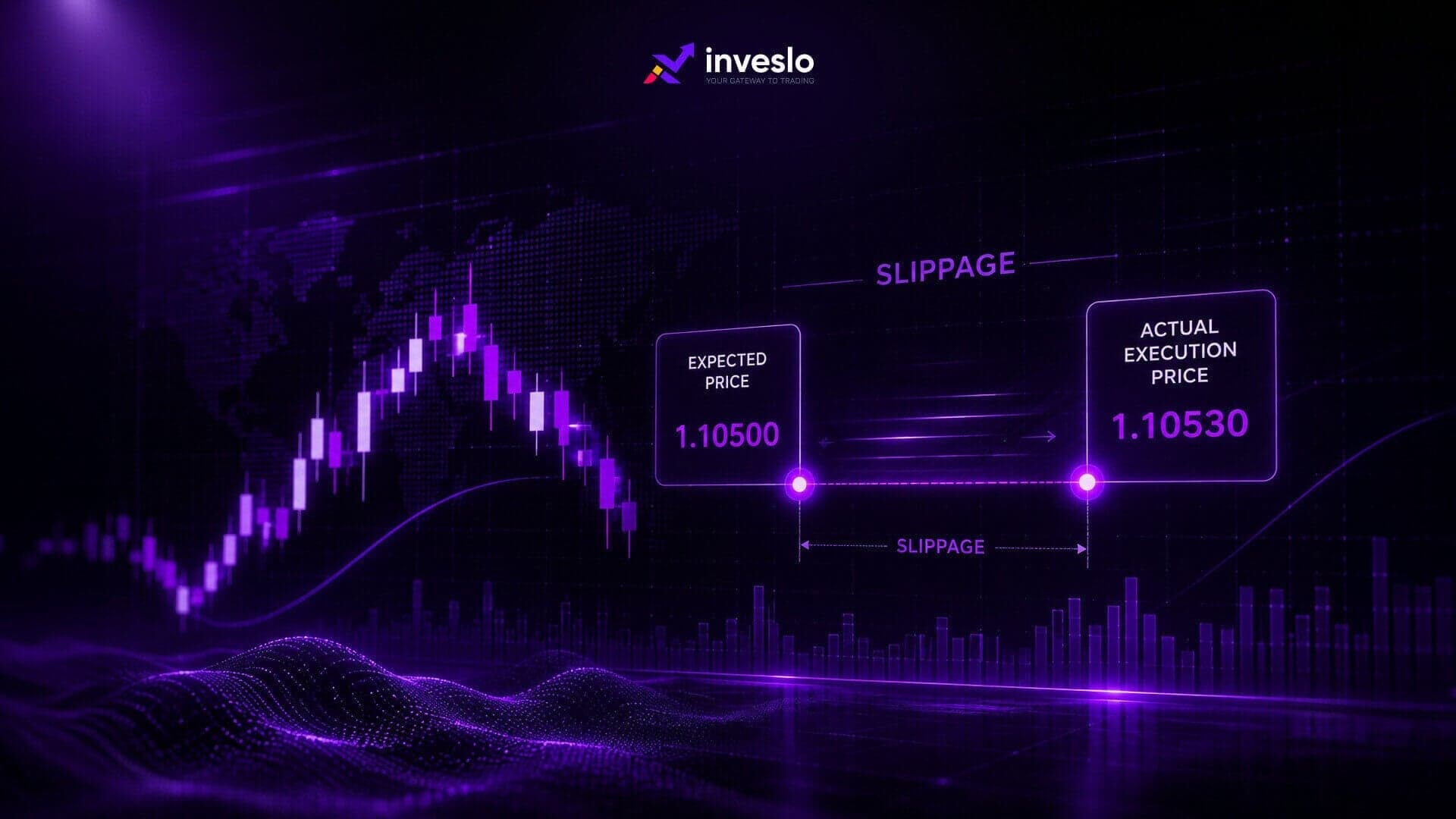
Slippage in Trading: What it is and How to Reduce it?
Slippage in trading costs most retail traders more than they realise, and it's rarely discussed until after the damage is done. You place an order at one price, it fills at another, and suddenly your trade is already underwater before the market's moved a tick against you. It happens fast.